


SSO now enforced for organisations using SSO
We’ve improved the login experience for customers who use Single Sign-On (SSO). If your organisation has SSO enabled, all users with approved corporate email domains will now log in using your company’s SSO provider.
What’s new
- Email-first login: Everyone starts by entering their email. Zutec then routes you to the correct login method.
- SSO-only for internal users: Users with an SSO-enabled domain are automatically taken to their corporate SSO page.
- Simplified setup emails: New SSO users will no longer receive password creation links.
- Org ID removed: You no longer need to enter an Org ID.
- Support for multiple SSO domains: Organisations can use more than one approved domain.

How to log in
If your organisation uses SSO:
- Open Zutec Cloud or Field.
- Enter your corporate email.
- Click Continue with SSO.
- Complete your company’s SSO authentication.
- You’re in.
If your account is not SSO-enabled:
- Open Zutec Cloud or Field.
- Enter your email.
- Enter your Zutec password when it appears.
- Log in as usual (no change).
What this means for you
- Faster, clearer login experience.
- No Zutec passwords for internal SSO users.
- Non-SSO users continue with their normal login process.
2FA required for external users (When SSO is used)
If you are an external user (e.g. subcontractor, assessor, consultant) accessing a Zutec Enterprise Zone where the lead organisation (Project Owner) has enabled Two-Factor Authentication (2FA), you will be asked to complete an additional email verification step when logging in.
This applies only to zones where 2FA has been enabled by the Project Owner and is not a Zutec-wide login change. This adds strong protection for collaborators who don’t authenticate via SSO.
What’s new
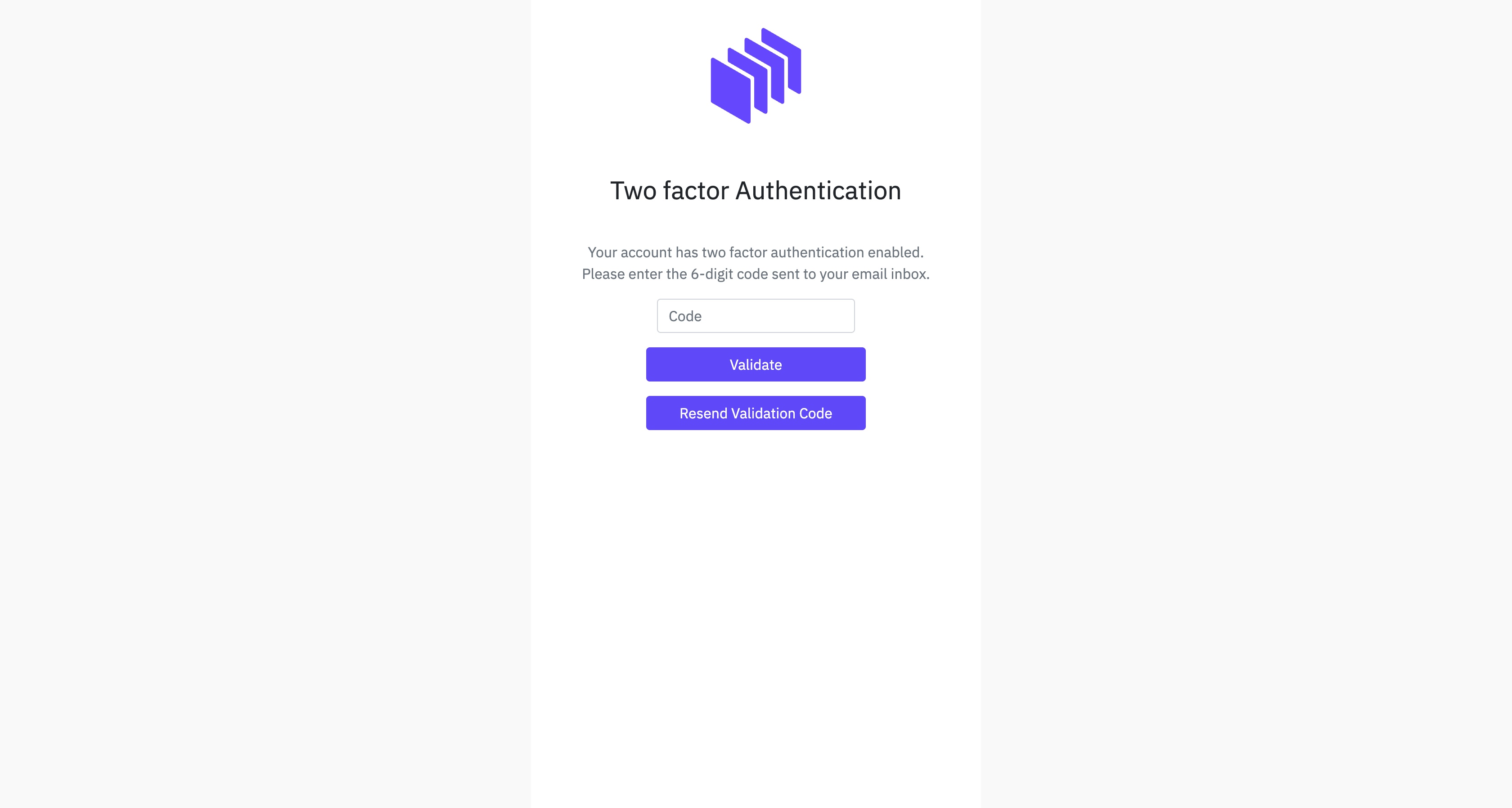
- Email-based 2FA: External users receive a verification code by email each time they log in.
- No setup required: No authenticator apps, QR codes, or phone numbers needed.
- Consistent across Cloud and Field: Both platforms use the same 2FA flow.
- Admin visibility: User Management shows whether users authenticate via SSO or 2FA.
How to log in
External users (non-org domains):
- Enter your email.
- Enter your Zutec password when prompted.
- Check your email for a one-time verification code.
- Enter the code to complete login.
- You’ll be asked for a 2FA code every time you log in or after 48 hours, whichever comes first.
What this means for you
- Internal users remain password-free through SSO.
- External users gain secure access with a quick verification step.
- Stronger protection for all mixed teams.
2FA codes now delivered by email (Replacing SMS)
For Zones/users where 2FA is enabled by the admin, we’re enhancing the reliability of authentication by shifting all 2FA codes from SMS to email delivery. This ensures more consistent and predictable access, especially in regions with SMS delays or routing issues.
What’s new
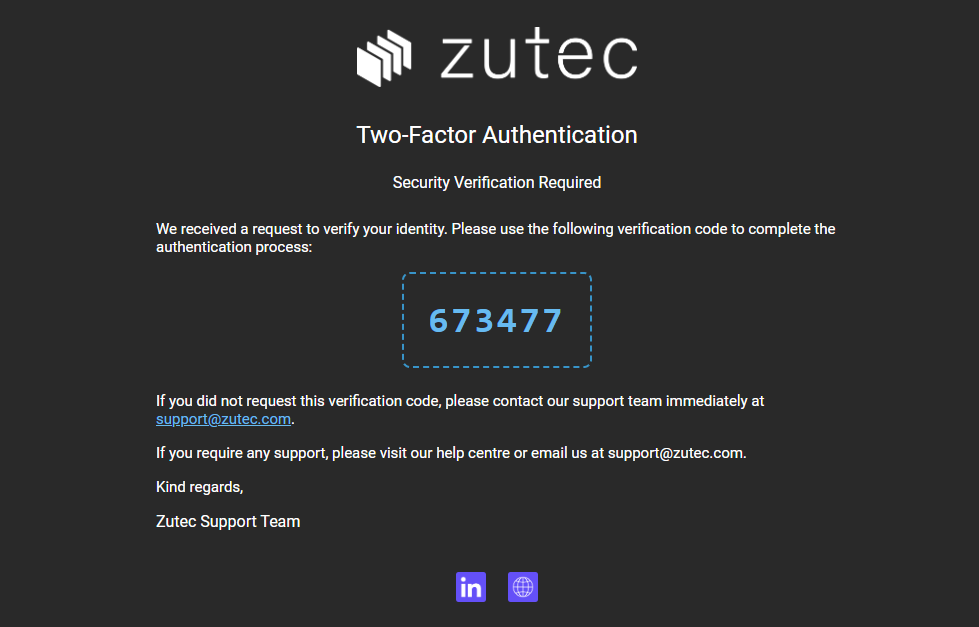
- 2FA codes are now delivered by email.
- No mobile number or SMS signal needed.
- Same experience across Cloud and Field.
- Improved reliability through Zutec’s own email delivery systems.
How to log in
- Enter your email.
- Enter your password (unless using SSO).
- Check your email for the one-time code.
- Enter the code to complete login.
What this means for you
- Faster, more reliable delivery of verification codes.
- Ability to log in from anywhere you have email access.
- No reliance on mobile networks or international SMS routing.
Note: New 2FA users receive email-based codes immediately after admin team enables it. Existing SMS-based users will be moved over before the 129.1 release.